Rent and sale listings
Apartments, houses, offices, shops, land and more in one place. Save the ones you like to favorites.
Browse apartments, houses, offices and land for rent or sale, search on the map and message owners or agents right inside the app.

Open it on your phoneScan with your Android phone's camera to open Arendator on Google Play.
Android only for now. On iPhone, use the arendator.uz website in your browser. The app interface is currently in Uzbek.
Or type arendator.uz/app in your phone's browser.
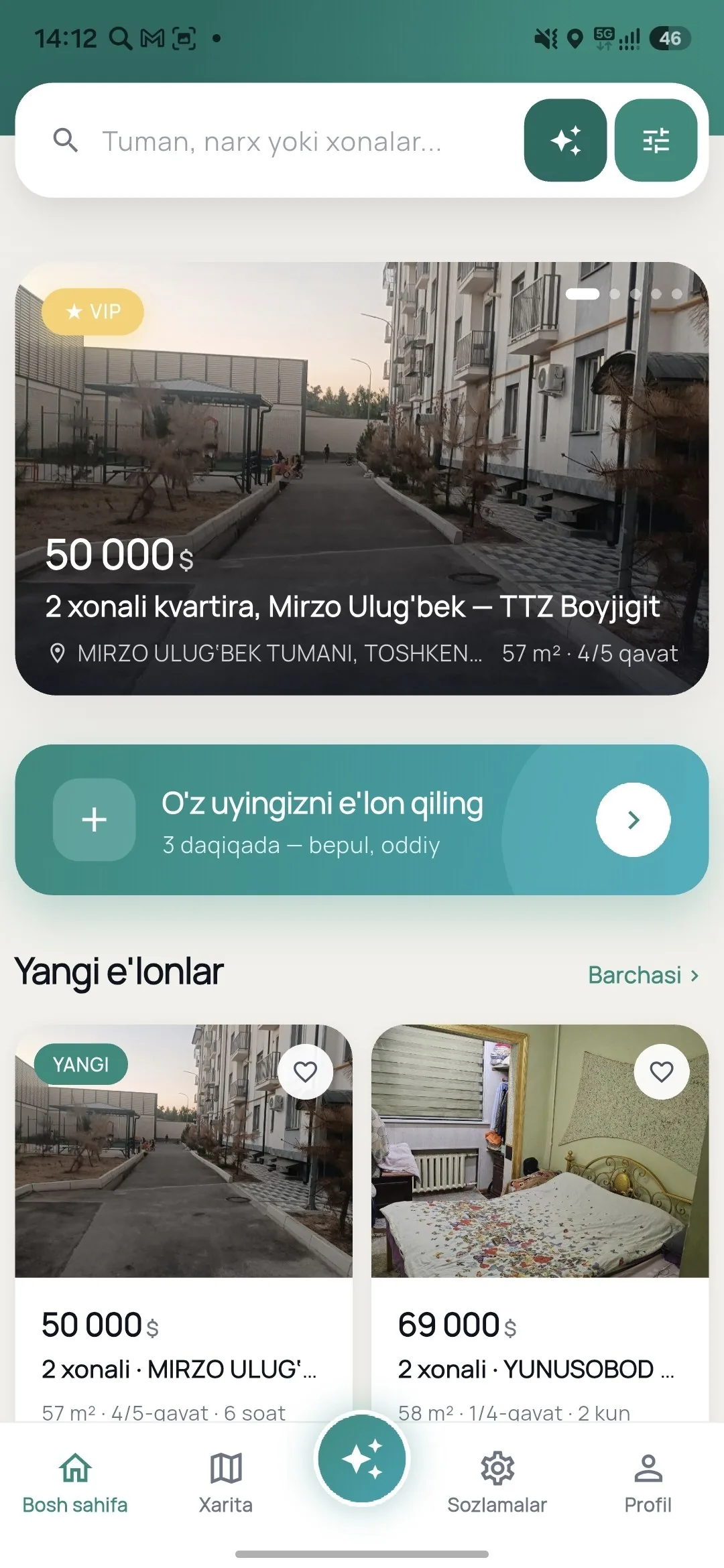
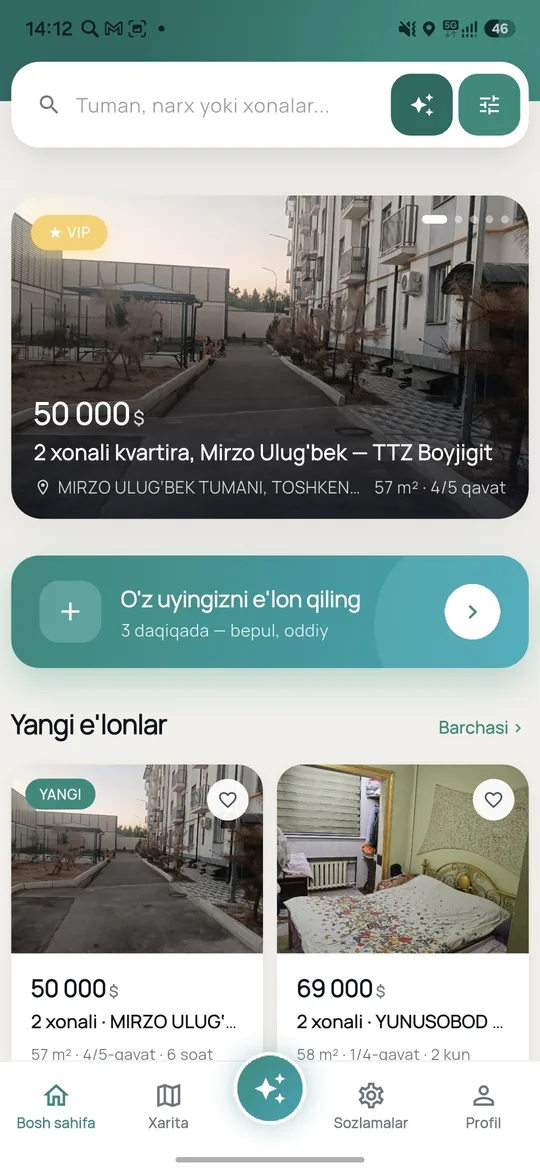
Apartments, houses, offices, shops, land and more in one place. Save the ones you like to favorites.
See listings on a Yandex map, check the surroundings and find options near you. Your location is used only with your permission.
Filter by region, district, price, rooms, area and floor, and choose long-term or daily rent. Or just describe what you need in plain words and AI search sets the filters for you.
For daily rentals, pick your dates and send a booking request right from the app.
Message the owner or agent directly in the app; conversations stay in the app.
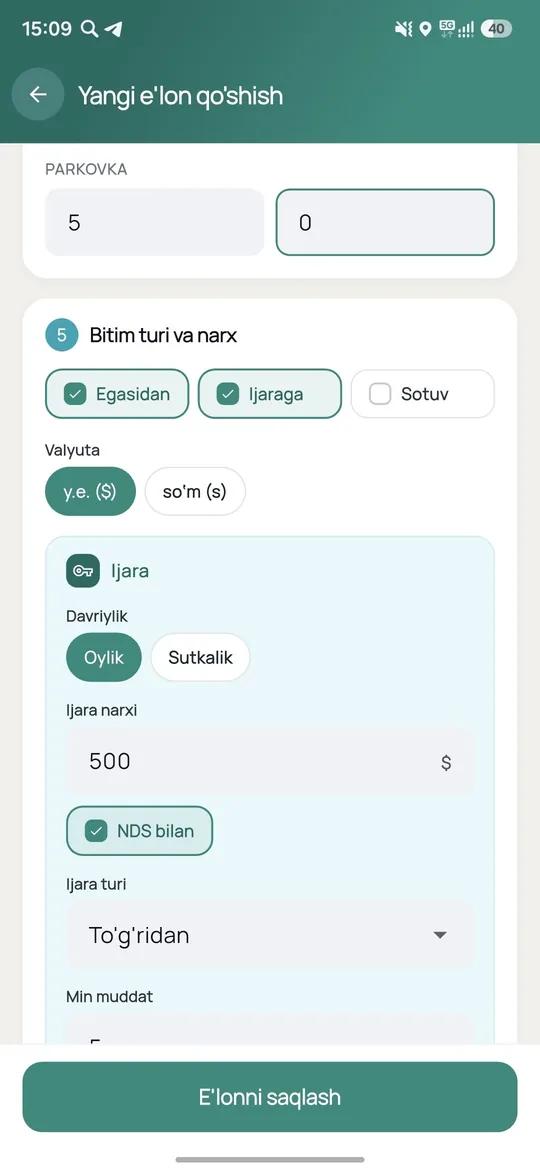
Add your own listing with photos in a few minutes.
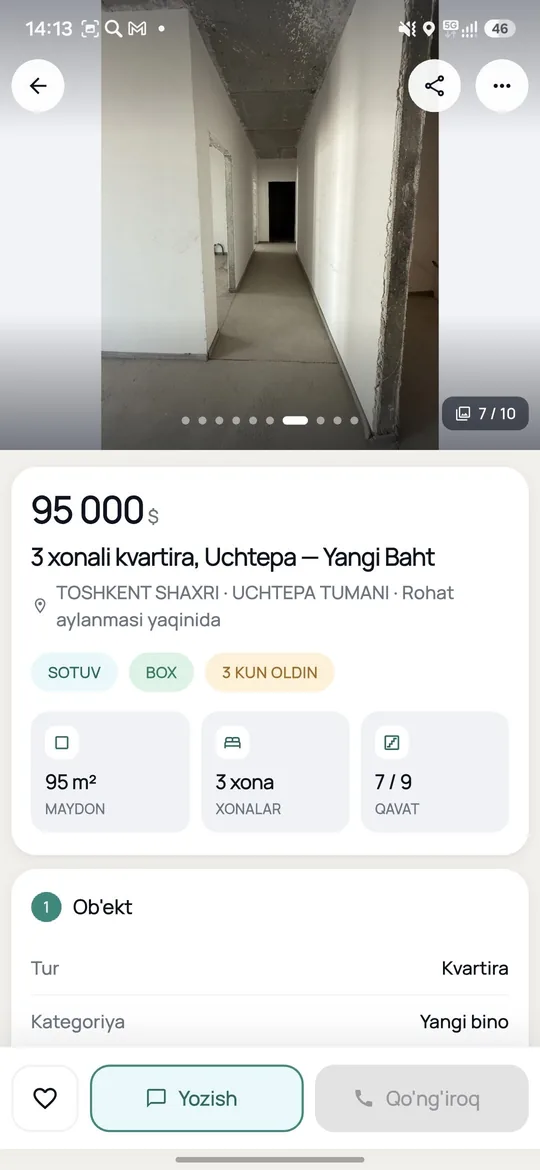
Open the Arendator page on Google Play with the button above or the QR code, then tap Install.
Pick a region and filters, or open the map. You can browse listings without signing in. Short on time? Leave a "Free property selection" request.
Sign in with your phone number and an SMS code, chat with the owner or agent, or post your own listing.
Yes. Downloading and installing the app from Google Play is free. You only need a phone number and an SMS code to sign in.
Devices running Android 8.0 or newer.
For now the app is Android only. On iPhone you can use the arendator.uz website in your browser: listings, map and search are available there too.
No password. Enter your phone number and confirm the code from the SMS. You can browse listings without signing in; you sign in for chat, favorites and posting listings.
Yes. You can post a listing for an apartment, house or commercial property with photos right from the app. You need to be signed in.
Right now the app interface is in Uzbek. The website works in Uzbek, Russian and English.
Data is encrypted in transit (HTTPS), the app does not collect payment card data, and it has no third-party advertising or tracking systems. Details are in the app privacy policy (arendator.uz/app-privacy). You can request account deletion at arendator.uz/delete-account.
Search for a home or post a listing — all in one app. Download it free from Google Play.
Google Play and the Google Play logo are trademarks of Google LLC.
Fill out the form — once a matching listing appears on the site, you will get a push notification in the mobile app.
As soon as a listing matching your request appears on the site, you will receive a push notification in the mobile app.